
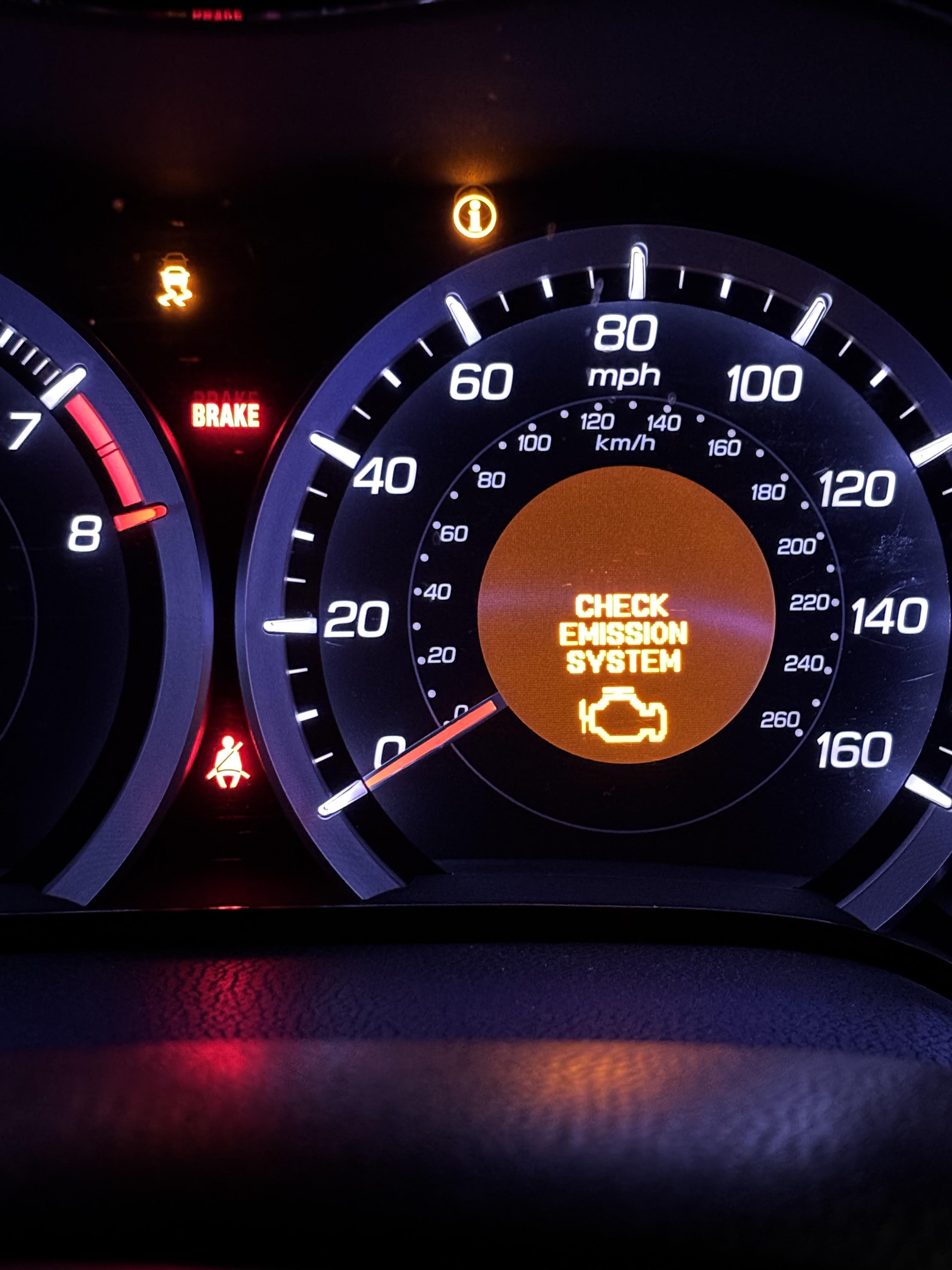
Acura “Check VSA System” warning means the Vehicle Stability Assist is disabled due to a detected fault. Common causes include a bad yaw rate sensor, wheel speed sensor issues, low brake fluid, or ABS/VSA module failure. Reset by turning the vehicle off for 10 minutes or disconnecting the battery, but diagnose first to fix the root cause.
Acura Check VSA System Meaning and When to Worry
The “Check VSA System” message on your Acura dashboard indicates the Vehicle Stability Assist (VSA) is temporarily disabled.
VSA helps prevent skids by modulating brakes and engine power during sudden maneuvers. When it is off, your traction control and stability features will not work.
This warning often pops up alongside the VSA light and slip indicator, especially in models like the MDX, RDX, TLX, and ILX from 2004 onward.
Ignore it at your peril during rain or ice, as it leaves you without electronic safeguards. Many owners report near-misses after dealerships dismiss it as “normal.”
Does Check VSA System Affect Driving?
Yes, but not drastically in dry conditions. You will notice reduced engine power under hard acceleration and no ABS intervention in panic stops.
In wet or slippery roads, it is a real hazard since VSA cannot correct oversteer or understeer.
Dealerships often say it is fine to drive. However, I have seen countless cases where ignored warnings led to ABS failure or worse during emergencies.
Common Acura Models Affected
- • 2004-2013 Acura MDX: Yaw sensor and ABS module woes dominate.
- • 2007-2014 Acura RDX: Wheel speed sensors fail from pothole damage.
- • 2015+ Acura TLX: Software glitches trigger false positives.
- • 2014-2020 Acura MDX: Brake fluid sensors are overly sensitive.
- • 2009-2014 Acura TSX: Wiring harness chafing under the car.
How to Reset Acura Check VSA System Light
To reset the Check VSA System light on most Acuras, turn the ignition off, wait 10-15 seconds, then start the engine.
About 60% of temporary glitches clear this way. For stubborn cases, disconnect the negative battery terminal for 10 minutes to fully reset the system.
If it returns immediately, do not keep resetting. That is masking a deeper issue like a failing sensor that shops will charge $500+ to diagnose properly.
Step-by-Step Battery Disconnect Reset
- Park on level ground, turn off engine, and remove the key.
- Open the hood and locate the battery (driver’s side on most Acuras).
- Use a 10mm wrench to loosen and remove the negative (-) black cable terminal.
- Wait 10-15 minutes for the ECU to discharge.
- Reconnect the negative terminal securely, then start the engine.
- Drive 5-10 miles at varying speeds to recalibrate sensors.
This DIY reset costs nothing and works on 80% of soft-code errors. However, you should always scan for codes first with an OBD2 tool.
Manual VSA Button Reset Method
Press and hold the VSA button (usually near the shifter) for 5-10 seconds while the engine runs.
The light should blink then turn off if it is a minor calibration issue. Avoid this if ABS lights are also on, as it will not fix hardware faults.
Acura Check VSA System Causes and Fixes
The most frequent cause is a faulty wheel speed sensor, accounting for over 40% of cases across Acura forums.
Other culprits include yaw rate sensors, low brake fluid, and ABS modulator issues. Diagnose with a code reader before throwing parts at it.
Dealers often misquote $1,200+ ABS replacements when a simple $50 sensor suffices.
1. Faulty Wheel Speed Sensor (Most Common Fix)
Wheel speed sensors get contaminated by wheel well debris or fail from hub wear, triggering VSA errors like C0040-C0045 codes.
Symptoms include pulsing brakes at low speeds and an intermittent ABS light. Independents often overlook cleaning them first, jumping straight to replacement.
DIY Diagnosis and Replacement Steps:
- Scan for codes using an OBD2 scanner (e.g., BlueDriver) and note which wheel is affected.
- Jack up the wheel and spin it by hand; listen for grinding or check the tone ring for damage.
- Clean the sensor with brake cleaner and a magnet, then test resistance.
- Replace if faulty by unbolting the sensor and installing a new one with dielectric grease.
| Model | Common Sensor Location | Part Cost |
|---|---|---|
| MDX 2007-2013 | Rear hubs | $35 |
| RDX 2013-2018 | Front knuckles | $45 |
| TLX 2015+ | All four wheels | $50 |
2. Bad Yaw Rate Sensor (Mid-2000s MDX Killer)
The yaw rate sensor under the center console fails from vibration or water intrusion, causing codes 61-1 or 87-1.
Dealers quote $800-1,200 including labor, but DIYers can swap it in under an hour for much less.
DIY Fix for MDX/RL Models:
- Remove the passenger seat or center console plastics to access the unit.
- Unplug and unbolt the sensor (two 10mm bolts) and transfer to a new unit.
- Perform VSA calibration with a Honda HDS tool or drive figure-8s at low speed.
3. Low Brake Fluid or Sensor Issues
A dirty or failing brake fluid level sensor in the master cylinder reservoir triggers false VSA warnings.
Check fluid first—top off with DOT 3/4, then clean the sensor contacts. Many owners resolve this with a simple $20 fluid flush.
4. ABS/VSA Module or Wiring Problems
Wiring chafes on sharp edges under the car (common on the TSX), or the hydraulic modulator leaks internally.
Shops push $2,000 module swaps, but rebuild kits are often available for around $300 and are DIY-friendly.
Acura Check VSA System Scan Tool Recommendations
Use a bidirectional OBD2 scanner like the Autel MK808 or budget BlueDriver to read ABS/VSA-specific codes.
Generic $20 readers often miss these codes. High-quality tools pull live data from wheel speeds and yaw rates to pinpoint the issue.
Top Tools for DIYers
- ✔ BlueDriver: iOS/Android app shows VSA codes, approx $120.
- ✔ Innova 5610: ABS bleeding function built-in, approx $300.
- ✔ Launch X431: Full Honda/Acura coverage, $500+.
Check VSA System and ABS Light Both On
When both lights illuminate, it is usually shared components like wheel speed sensors or the ABS pump.
Prioritize scanning immediately, as codes will match across systems. Do not drive far; braking performance drops without ABS.
FAQ
Can I drive with Check VSA System on?
Short distances in good weather yes, but avoid highways or rain as stability aids are offline.
Why does Check VSA System come on after an oil change?
Battery disconnection during service often disrupts calibration. Reset via battery disconnect or a short test drive.
Is Check VSA System related to TPMS?
No, but low tire pressure can indirectly trigger it by messing with wheel speed data.
How much does it cost to fix the Acura VSA system?
DIY costs range from $20-$200 for sensors/fluid. A professional shop may charge $300-$2,500 depending on the cause.
In summary, Acura’s Check VSA System warning is fixable at home 70% of the time with basic tools. Skip the dealer upsell, scan your codes, and address the root cause step-by-step to get back on the road safely.
Leave a Reply