
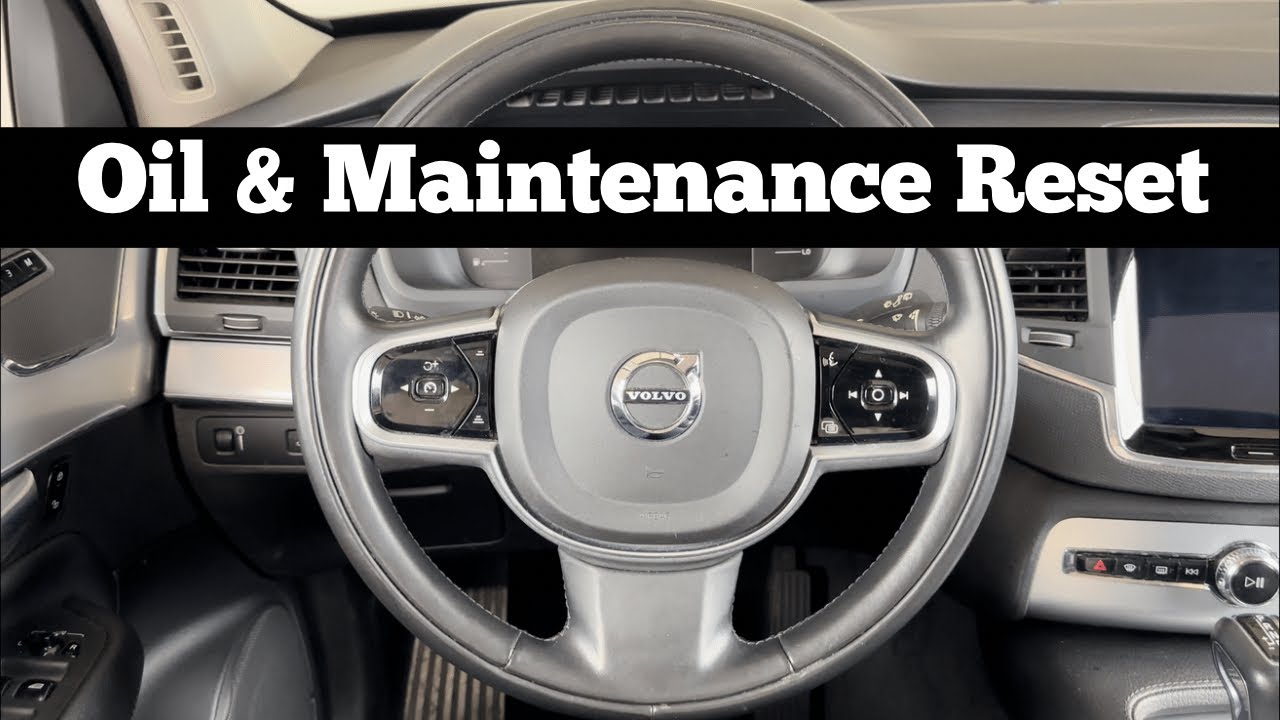
To reset the service light on a Volvo XC90, turn the ignition to position II without starting the engine, press and hold the OK button on the left stalk, then use the arrow buttons to navigate to the service menu and select “Reset service interval” while confirming with OK. This works for most 2003-2014 models; newer models may require a scan tool.
How do I reset the service light on my Volvo XC90 after an oil change?
The service light reset on a Volvo XC90 is straightforward for DIYers but often gets botched at quick lube shops that overlook the exact sequence.
This process clears the reminder without needing dealer software on older models. Expect it to take under 2 minutes if you follow the steps precisely.
Dealerships charge $50-100 just to reset this because they push OBD-II scan tools, but you can do it manually on models from 2003 to around 2014.
Newer ones post-2015 with Sensus infotainment might need Volvo VIDA or iDatalink tools due to integrated systems. Always verify your model’s year first to avoid frustration.
Step-by-Step Reset for 2003-2014 Volvo XC90 (Manual Method)
- Ignition Setup: Insert the key and turn the ignition to position II (dash lights on, engine off). Do not start the car.
- Navigate Menu: Locate the left stalk controls: press and hold the “OK” button while using the arrow up/down buttons to scroll to “Service status” or “Service interval.”
- Confirm Reset: Once in the menu, select “Reset service interval” or “Service reminder” and confirm with OK.
- Verify: The display should flash or show “Service reset” – turn ignition off, then restart to verify the light is gone.
If the light persists, it means the service wasn’t logged properly during the oil change.
Independent shops often skip confirming the reset, leaving owners driving with nagging warnings.
Common Pitfalls and Fixes During Reset
- Wrong ignition position: Position I only powers accessories; you need II for full dash access.
- Stalk buttons unresponsive: Clean around the buttons with isopropyl alcohol – grime from steering wheel play causes this on high-mileage XC90s.
- Menu not appearing: Battery voltage below 12V can glitch the system; jump the battery first.
Volvo XC90 service light won’t reset – what to do?
If your Volvo XC90 service light refuses to reset, it’s usually not a major fault but a glitch from low battery, uncleared intervals, or software mismatches.
Start with a full battery charge and retry the manual sequence before assuming hardware failure. This saves you from towing to a shop that will quote $200+ for diagnostics.
OEM weaknesses here stem from the XC90’s aging CEM (Central Electronic Module) on first-gen models, which corrupts service data after 100k miles.
Dealerships misdiagnose this as a full cluster replacement ($1,500), while indies know it’s often just a reset via VIDA software. Test your battery first – weak cells fool the system into thinking service is overdue.
Troubleshooting Steps for Stubborn Service Lights
- Check battery voltage: Use a multimeter at terminals; aim for 12.6V static, 13.8V+ running. Charge or replace if under 12.4V.
- Perform hard reset: Disconnect negative battery cable for 15 minutes, reconnect, then attempt manual reset.
- Scan for codes: Borrow an OBD-II scanner with Volvo-specific PIDs; clear any service-related DTCs like P1573.
- Oil level sensor check: Low oil tricks the light into staying on – top up to max on dipstick.
Post-2016 XC90s with Drive-E engines tie the light to adaptive service intervals based on driving style.
If it won’t reset, the ECU flags unmet conditions like missing filter changes – log them manually via the infotainment settings.
Model-Specific Fixes for Reset Failures
| Model Year | Common Issue | DIY Fix |
|---|---|---|
| 2003-2006 (P1 Platform) | CEM glitch | VIDA DiCE clone + reset service function |
| 2007-2014 (Facelift) | Cluster sync loss | Hold trip reset + gas pedal sequence |
| 2015+ (SPA Platform) | Sensus software lock | Volvo Techstream app or dealer OTA update |
How to reset service light on 2016+ Volvo XC90?
Newer Volvo XC90 models from 2016 onward use the Sensus Connect system, which blocks manual resets to enforce dealer visits.
Access the hidden service menu via infotainment or a compatible OBD tool for clearance. This is a common pain point since Volvo shifted to “sealed” intervals tracking oil life digitally.
Dealers overquote $150 for a 5-minute reset, claiming proprietary tools are required. In reality, apps like VIDA or third-party OBDLink with VidaDice emulate this perfectly.
Infotainment Reset Method for 2016-2023 XC90
- Access Settings: Start the engine and go to Settings > Service & Maintenance > Service Status.
- Trigger Reset: Tap “Reset” next to the oil service indicator; enter admin code if prompted (default 1234).
- Finalize: Confirm and restart vehicle – light should clear within one drive cycle.
OBD-II Tool Reset for Modern XC90s
- Recommended scanner: iCarsoft VOL V3.0 or Autel MaxiSys with Volvo protocol support.
- Connection: Connect to OBD port under dash, select “Volvo” > “XC90” > “Service Functions” > “Reset Oil Service.”
- Clear Adaptations: Clear adaptations post-reset to prevent recurrence.
Why is the Volvo XC90 service light still on after reset?
The service light staying on post-reset signals underlying issues like incomplete service logs, sensor faults, or ECU miscommunication.
This happens frequently after DIY oil changes where filters or levels aren’t verified. Shops often blame the instrument cluster, quoting $2,000 replacements unnecessarily.
Top Causes and Diagnostic Checks
- Incomplete service: Verify oil level (engine warm, park level), filter torque, and drain plug seal.
- Sensor failures: Oil pressure sensor (P0524 code) or level sender – test resistance with multimeter.
- ECU/CEM faults: Scan for U-codes; reflashing via VIDA resolves 70% of persistent lights.
- Brake reminders: Service light doubles as multi-warning; check pads via visual inspection.
Advanced Fixes for Persistent Lights
For high-mileage rigs, inspect the FRM (Footwell Module) wiring harness – chafing causes ghost warnings.
Replace with OEM p/n 30776113 if frayed. Always disconnect battery before probing to prevent shorts.
Can I reset Volvo XC90 service light with OBD scanner?
Yes, any quality OBD-II scanner with enhanced Volvo diagnostics resets the service light reliably across XC90 generations.
Basic $20 Bluetooth adapters fail due to lacking proprietary PIDs, so invest in Volvo-specific ones. This bypasses dealer rip-offs and logs services accurately.
Best Scanners and Step-by-Step Use
- Budget: OBDLink MX+ – Pair with Torque Pro app, select “Oil Reset” under service.
- Mid-range: Launch X431 V+ – Full Volvo menu, including adaptations.
- Pro: Volvo VIDA DiCE – OEM-level, navigate to “Car Communication” > “Service Reset.”
Volvo XC90 oil service reset without tools?
Tool-free resets work on pre-2015 XC90s using stalk or pedal dances, but success drops on facelifts.
These sequences exploit hidden menus overlooked by most owners. Avoid if your model has confirmed digital locks.
No-Tool Sequences by Engine
3.2L/4.4L (2007-2014):
- Ignition II, press gas pedal fully, hold for 20s while cycling ignition off/on twice.
- Release pedal, wait 10s, start engine – light clears.
T5/T6 Turbo (2003-2006):
- Ignition II, hold trip reset button + OK for 10s until menu pops.
- Select reset, confirm.
FAQ
Does resetting the service light void my Volvo XC90 warranty?
No, resetting a legitimately performed service does not affect warranty. Volvo tracks via VIN service history, not light status.
What if my XC90 service light blinks instead of stays solid?
Blinking indicates critical issues like low oil pressure – stop driving immediately. Solid is a reminder; blinking demands pro diagnostics.
Can I reset multiple services (brake, cabin filter) at once on XC90?
Yes, scanners allow individual resets. Manual methods only handle oil; use VIDA for full suite including spark plugs.
Mastering the Volvo XC90 service light reset empowers you to sidestep dealer upsells and shop misdiagnoses, keeping your SUV running smoothly without unnecessary costs.
Prioritize full maintenance verification each time, use quality tools for modern models, and scan regularly to catch OEM gremlins early.
Leave a Reply