
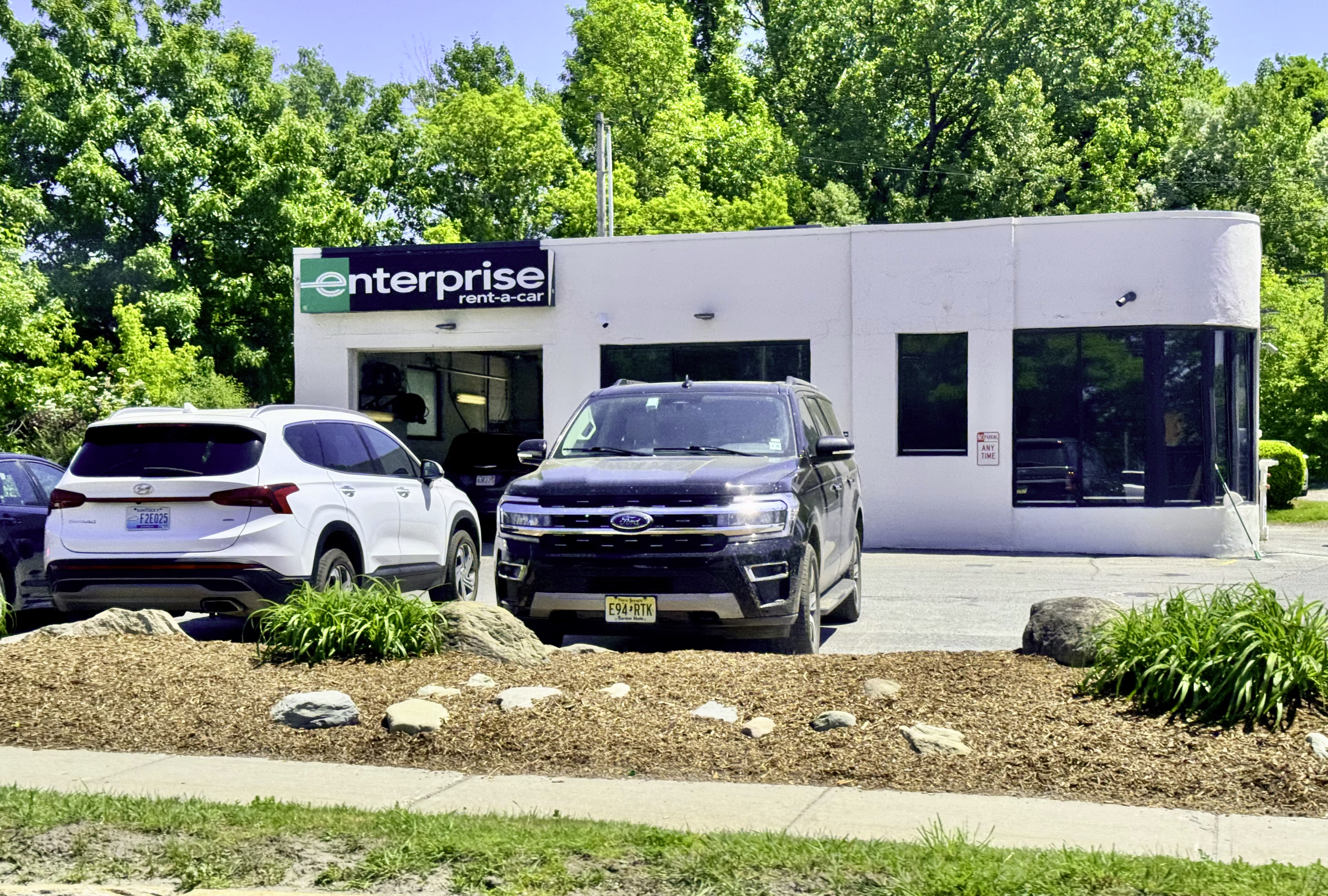
You can pay tolls in an Enterprise rental car by using your own toll transponder, paying through Enterprise’s optional TollPass program, or by paying cash at toll booths that accept it. Enterprise charges a daily convenience fee if tolls are billed through their system, and you may also face administrative fees for unpaid tolls captured by license plate cameras.
How Does Enterprise TollPass Work and Is It Worth It?
Enterprise offers a program called TollPass, which is their built-in toll management service. When you rent a vehicle, the agent will ask if you want to opt into TollPass at the counter or during online booking.
Once enrolled, any toll charges incurred during your rental are automatically billed to the credit card on file after your rental period ends.
The catch is the daily convenience fee. Enterprise typically charges a per-day fee—often around $3.95 to $5.95 per day—for every day of your rental, not just the days you actually drive through tolls.
If you rent for seven days but only hit tolls on one of them, you still pay the fee for all seven days. This is where most renters feel blindsided.
What You Actually Get With TollPass
- ✅ Automatic toll payment through the vehicle’s license plate or a transponder mounted in the car
- ✅ No need to stop at cash toll booths or carry exact change
- ✅ Tolls posted to your credit card within a few weeks after the rental ends
- ✅ Coverage on most major toll roads, bridges, and tunnels in the United States
What TollPass Does NOT Cover
- ❌ Toll roads in certain states that use incompatible transponder systems
- ❌ Carpool or HOV lane violations mistakenly captured as toll events
- ❌ Fines or penalties from missed tolls if the plate read fails
- ❌ International tolls if you are crossing into Canada or Mexico
Can I Use My Own Toll Transponder in an Enterprise Rental?
Yes, you can use your own toll transponder, and this is usually the cheapest option. If you already have an E-ZPass, SunPass, FasTrak, TxTag, I-PASS, or another regional electronic toll tag, you can bring it with you and mount it in the rental car.
Just make sure the transponder is active, funded, and linked to a valid payment method before your trip.
The key step most people skip is temporarily adding the rental car’s license plate to your toll account. Many toll agencies allow you to add a temporary vehicle or plate number to your existing account through their website or app.
Do this before you start driving the rental. If you skip this step and the transponder fails to read, the system will fall back to a license plate lookup—and that is where Enterprise gets involved with their own billing and fees.
Steps to Use Your Own Transponder in a Rental
- 1Log into your toll account (E-ZPass, SunPass, FasTrak, etc.) before picking up the car
- 2Add the rental car’s license plate as a temporary vehicle on your account
- 3Set the start and end dates to match your rental period
- 4Mount your transponder on the windshield as instructed by your toll agency
- 5After your trip, remove the rental plate from your account
- 6Confirm that toll charges posted correctly to your toll account within 7-14 days
What Happens If You Go Through a Toll Without Paying in a Rental Car?
If you drive through an electronic toll gantry without a transponder and without paying cash, cameras will capture the rental car’s license plate. The tolling authority sends a bill or violation notice to the registered owner—which in this case is Enterprise.
Enterprise then forwards that charge to you, the renter, along with an administrative fee that can range from $15 to $50 or more per toll event.
This is where the real cost escalates. A single $2.50 toll can end up costing you $17.50 or more after Enterprise adds their processing fee.
Multiply that across multiple toll crossings and a multi-day trip, and you could be looking at hundreds of dollars in unexpected charges weeks after your vacation or business trip ends.
How Long After the Rental Will Toll Charges Appear?
Toll charges do not appear on your final rental receipt. They show up weeks—sometimes up to 60 days—after you return the vehicle.
Enterprise processes toll invoices as they receive them from toll authorities, which can take time. Many renters assume they got away with free tolls, only to find multiple charges on their credit card statement a month later.
How Much Does Enterprise Charge for Tolls?
The total cost depends on whether you opted into TollPass, used your own transponder, or went through tolls without any electronic payment method. Here is a realistic breakdown of what to expect.
Do All Enterprise Locations Offer TollPass?
Not all locations actively offer or promote TollPass, and availability varies by state and airport. Most major airport locations have TollPass built into the rental agreement process.
Neighborhood or suburban locations may not offer it at all, and in those cases the vehicle may not have a transponder installed. Always ask at the counter specifically about toll options for the region you will be driving in.
Airport vs. Neighborhood Location Differences
- ✈️ Airport locations almost always have TollPass available and agents are trained to offer it
- 🏘️ Neighborhood locations may have limited or no TollPass coverage depending on local toll infrastructure
- 🚗 Airport rental cars are more likely to have a toll transponder already mounted in the windshield
- 📍 Some airport locations in toll-heavy cities like Miami, Dallas, or Orlando automatically enroll you unless you decline
What If Enterprise Overcharged Me for Tolls?
Overcharges do happen, and they are more common than Enterprise would like to admit. The most frequent issue is being charged the daily TollPass fee even when you explicitly declined it at the counter.
Another common problem is receiving admin fee charges for tolls you actually paid in cash. Because Enterprise processes tolls in bulk through a third-party vendor, errors in plate-to-rental matching are not rare.
Steps to Dispute an Enterprise Toll Charge
- 1Call Enterprise’s toll dispute line, which is separate from their general customer service number
- 2Have your rental agreement number, dates, and the specific toll charges in question ready
- 3If you declined TollPass at the counter, request a copy of the rental agreement where you signed or clicked to decline
- 4If you paid cash at a toll booth, gather any receipts or bank statements showing the cash withdrawal
- 5Request a detailed toll-by-toll breakdown showing the date, time, location, and amount of each charge
- 6Escalate to a supervisor if the first representative cannot resolve the issue
- 7File a dispute with your credit card company as a last resort if Enterprise refuses to correct a clear error
How to Avoid Toll Charges in an Enterprise Rental Completely
The simplest way to avoid toll headaches is to plan your routes around toll-free alternatives. Most GPS apps and mapping services have a setting to avoid toll roads. Enable this before you start driving.
It may add a few minutes to your drive, but it eliminates the risk of surprise charges weeks later.
If you must use toll roads, the second-best option is bringing your own transponder. The third option is ensuring cash is accepted at the toll plazas on your route and paying with exact change.
Keep in mind that many modern toll roads, especially in Florida, Texas, and parts of the Northeast, have eliminated cash collection entirely and are electronic-only.
Toll-Free Route Planning Tips
- 📍 Google Maps: Go to Settings > Navigation > Avoid tolls
- 📍 Apple Maps: After entering destination, tap Options > toggle on Avoid Tolls
- 📍 Waze: Go to Settings > Navigation > toggle off Toll roads
- 📍 Check your specific route on state DOT websites for cash vs. electronic-only toll information
Frequently Asked Questions About Tolls in Enterprise Rental Cars
❓ Does Enterprise automatically enroll you in TollPass?
Some airport locations in toll-heavy regions will include TollPass by default on your rental agreement. You must explicitly decline it at the counter if you do not want the daily fee. Always review your rental agreement carefully before signing.
❓ Can Enterprise send me to collections over unpaid tolls?
Yes. If toll charges and administrative fees go unpaid, Enterprise can and does send accounts to collections. Treat toll charges the same as any other rental-related charge and dispute them promptly if they are incorrect.
❓ What if I drove through an electronic-only toll by accident?
If you accidentally enter an electronic-only toll lane without a transponder, the camera will capture the plate. Enterprise will bill you for the toll plus their administrative fee. There is no way to retroactively pay the toll directly to the toll authority once the plate has been captured.
❓ Do toll charges affect my Enterprise rental deposit or hold?
No, toll charges are billed separately after the rental ends. They do not reduce or affect the security hold placed on your card at the time of pickup. You will see toll charges as a separate transaction weeks later.
❓ Can I add TollPass after I have already picked up the rental?
Generally, no. TollPass must be selected at the time of rental. If you forgot to opt in and then drive through tolls, those tolls will be processed through Enterprise’s violation billing system with higher administrative fees instead.
Understanding how tolls work in an Enterprise rental car before your trip saves you money and frustration. Use your own transponder whenever possible, decline TollPass if the daily fee does not make sense for your travel plans, and always plan your route with toll awareness.
The few minutes you spend preparing at the rental counter or adding a plate to your toll account can save you significant charges weeks down the road.
Leave a Reply