
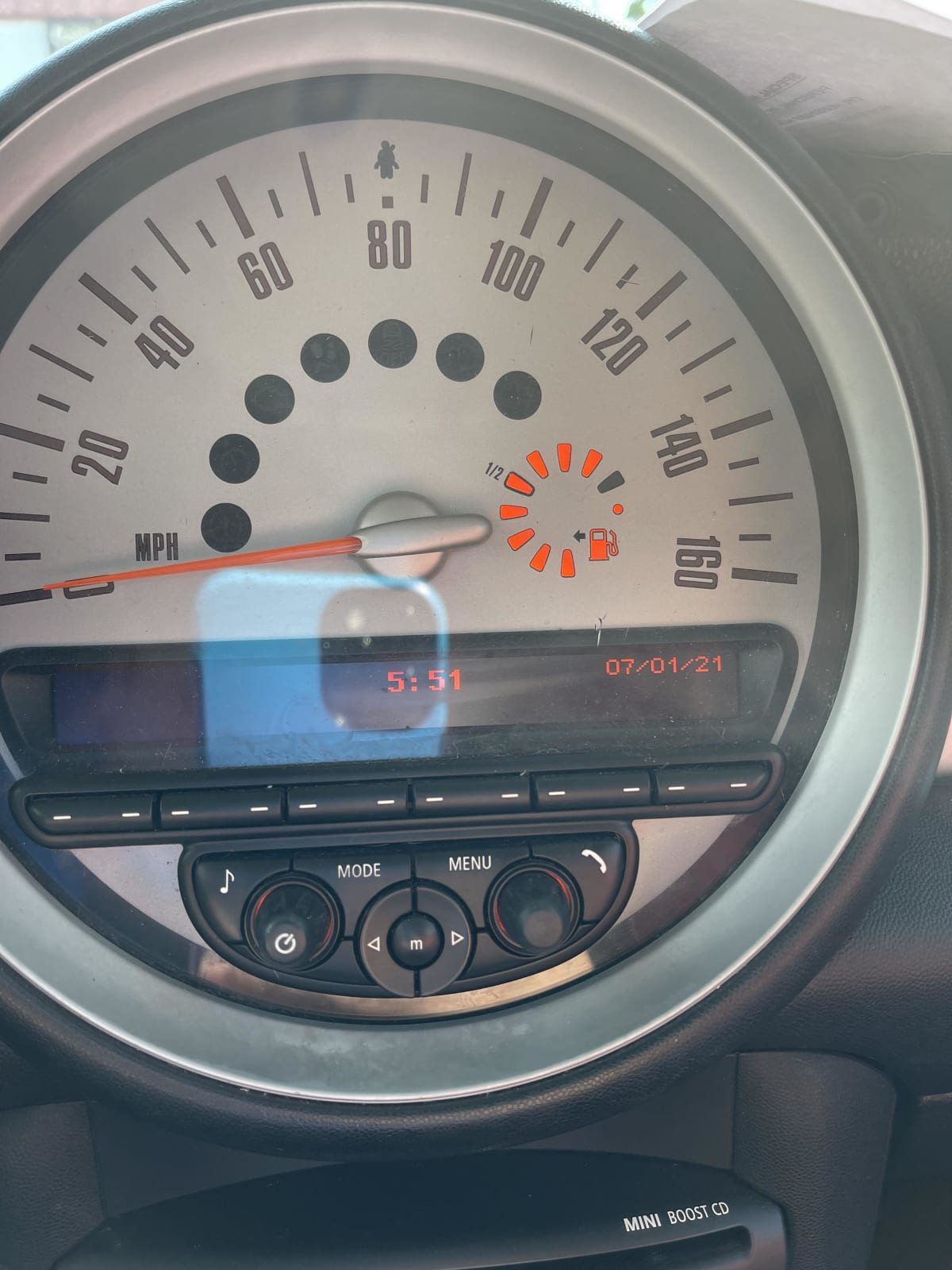
The most common fixes for a Mini Cooper radio not working are checking the fuse, performing a hard reset, and inspecting the antenna connection. Start with the simple DIY solutions before assuming a costly head unit failure.
Why is my Mini Cooper radio completely dead with no power?
This usually points to an electrical issue before the radio itself. The most frequent culprits are a blown fuse or a problem with the vehicle’s general electrical system waking the module up.
1. Check the IKA/Fuse Box (Primary Fuse)
Locate the fuse box in the passenger footwell behind a small panel. The radio circuit is often protected by a 20A or 25A fuse. Refer to your owner’s manual for the exact fuse number and location diagram.
- Step 1: Identify the correct fuse using the diagram on the fuse box cover.
- Step 2: Use the fuse puller tool provided in the box to remove the fuse.
- Step 3: Inspect the metal strip inside. If it’s broken, replace it with a fuse of the same amperage.
2. Perform a Hard Reset (Forcing a Module Reboot)
Modern Minis have complex electronics. Sometimes the radio module freezes and needs a hard power cycle, which a simple key-off won’t provide.
- Method 1 (Disconnect Battery): Disconnect the negative (-) battery terminal for 15-30 minutes. This resets all modules.
- Method 2 (iDrive Reset): For newer models with iDrive, press and hold the volume/power knob for 30+ seconds until the screen cycles off and on.
Pro Tip: After reconnecting the battery, you may need to reinitialize your windows and sunroof. Hold each button in the closed position for 10 seconds after they stop moving.
How do I fix no sound from the Mini Cooper speakers when the radio turns on?
If the screen powers on and displays functions but produces no sound, the issue is typically with the amplifier, speaker wiring, or an internal setting.
1. Check the Amplifier
Many Minis, especially those with the Harman Kardon or HiFi system, have a separate amplifier. It’s commonly located in the trunk (boot) area, often behind a side panel or under the floor.
- Step 1: Locate the amplifier.
- Step 2: Ensure its main power connector is fully seated and shows no signs of corrosion.
- Step 3: Check the amplifier’s own ground wire connection to the vehicle chassis for tightness and clean contact.
2. Inspect Common Speaker Wire Failure Points
The wiring harness that runs from the body into the driver’s door is a notorious failure point due to repeated flexing.
- Step 1: Carefully peel back the rubber boot between the door and the B-pillar.
- Step 2: Inspect the wires for any that are visibly broken, chafed, or have exposed copper.
- Step 3: Repair any broken wires with solder and heat-shrink tubing (do not use electrical tape as it degrades).
Mini Cooper radio screen is black but audio works – what’s the fix?
This symptom indicates the video signal to the display has failed while the main audio processor is still operational. The cause is often a faulty display or its dedicated video cable.
1. The CCC/CIC iDrive Display Issue
On models with the iDrive controller (2007+), the screen is separate from the head unit. The connector at the back of the screen can loosen.
- Step 1: Safely pry off the trim around the screen to access the mounting screws.
- Step 2: Remove the screen and check the video connector (often a multi-pin connector or a LVDS cable). Unplug it, inspect for bent pins, and reseat it firmly.
2. The NBT/EVO Display Failure
In later models, a black screen can be a sign of a failing internal display backlight or LCD panel. This often requires complete replacement of the display unit.
A temporary test is to shine a bright flashlight at the screen from an angle. If you can faintly see the menu items, the backlight has failed but the LCD panel is working.
Why does my Mini Cooper radio Bluetooth or USB not work?
Connectivity issues are almost always software-related and rarely require hardware replacement. They stem from glitches in the communication module or corrupted pairing data.
1. Complete System Reset and Software Update
Erasing all settings can resolve persistent glitches.
- Navigate to the radio’s Settings menu.
- Find “System” or “Factory Settings.”
- Select “Restore Factory Settings” or “Delete All Personal Data.”
- You will lose all saved stations, pairings, and profiles. Re-pair devices afterward.
2. Update the Head Unit Software
Check if your radio’s software is outdated. Updates often fix Bluetooth stability and USB compatibility.
- DIY Method: You can download official firmware from BMW/MINI’s website onto a USB stick and follow the instructions to update.
- Shop Method: A dealer or independent shop with ISTA software can perform the update, which may also update connected modules like the instrument cluster.
What causes a Mini Cooper radio to have static or poor AM/FM reception?
Poor reception is almost always related to the antenna system, not the head unit. The base of the antenna and its amplifier are common failure points.
1. Inspect the Roof Antenna (Shark Fin)
The shark fin antenna contains both the AM/FM and GPS amplifiers.
- Step 1: Gently try to wiggle the antenna. If it moves, the mounting nut underneath is loose.
- Step 2: Carefully pry up the headliner near the antenna to access the mounting nut and tighten it.
- Step 3: Inspect the coaxial cable connection at the base for corrosion or a loose fit. A bad ground here kills reception.
2. Check for Amplifier Power
The antenna amplifier needs power sent from the head unit on the coaxial cable. Use a multimeter to check for DC voltage at the antenna base when the radio is on.
| Test Point | Expected Voltage | Diagnosis |
|---|---|---|
| At the head unit antenna output | ~5-12V DC | If absent, the head unit is faulty. |
| At the antenna connector | ~5-12V DC | If absent, the wiring between head unit and antenna is broken. |
| At the antenna connector | Voltage Present | If voltage is good, the antenna amplifier itself is faulty. |
How to diagnose a Mini Cooper radio that turns off and on randomly?
Intermittent power loss suggests a loose connection somewhere in the power or ground circuit. The vibration of driving causes momentary disconnection.
1. Check Battery Health and Terminals
A weak battery or corroded terminals can cause voltage drops that confuse sensitive electronics.
- Clean battery terminals with a wire brush and a baking soda/water mixture.
- Have the battery tested. A failing battery can read 12.6V but drop significantly under load.
2. Inspect Radio Ground Points
The radio module has a dedicated ground wire that bolts to the chassis. This connection point can corrode.
- Common Locations: Behind the glove box, under the center console, or on the driver’s side kick panel.
- Fix: Remove the ground bolt, sand the contact point on the chassis to bare metal, and re-tighten.
FAQ
Can a dead key fob battery affect the Mini Cooper radio?
Indirectly, yes. A completely dead key fob can prevent the car’s comfort access system from waking up properly, which may affect module communication, including the radio, on startup.
Is it worth fixing the original Mini radio or should I upgrade?
If the car is older (pre-2014) and the repair cost exceeds 50% of the unit’s value, an aftermarket Android-based head unit is often a better investment, adding modern features like Apple CarPlay.
Why does my radio only work when the engine is off?
This is a classic sign of a failing alternator or voltage regulator. The radio may be shutting down due to overvoltage when the engine runs. Get your charging system tested immediately.
Could a faulty oil level sensor affect the radio?
In some newer Minis with a full CAN-bus network, a fault on a seemingly unrelated module can cause communication errors that disrupt other systems. It’s unlikely but possible for a shop to trace with diagnostic software.
Final Steps Before Seeking Professional Help
After working through these diagnostic steps, you will have either fixed the issue or pinpointed its origin. If all fuses are good, grounds are clean, and resets fail, the fault likely lies within the head unit, amplifier, or a specific wiring harness.
At this point, visiting a specialist with proper diagnostic tools is more cost-effective than guessing and replacing parts. They can read module-specific fault codes to identify the exact failed component, saving you time and money.
Leave a Reply