
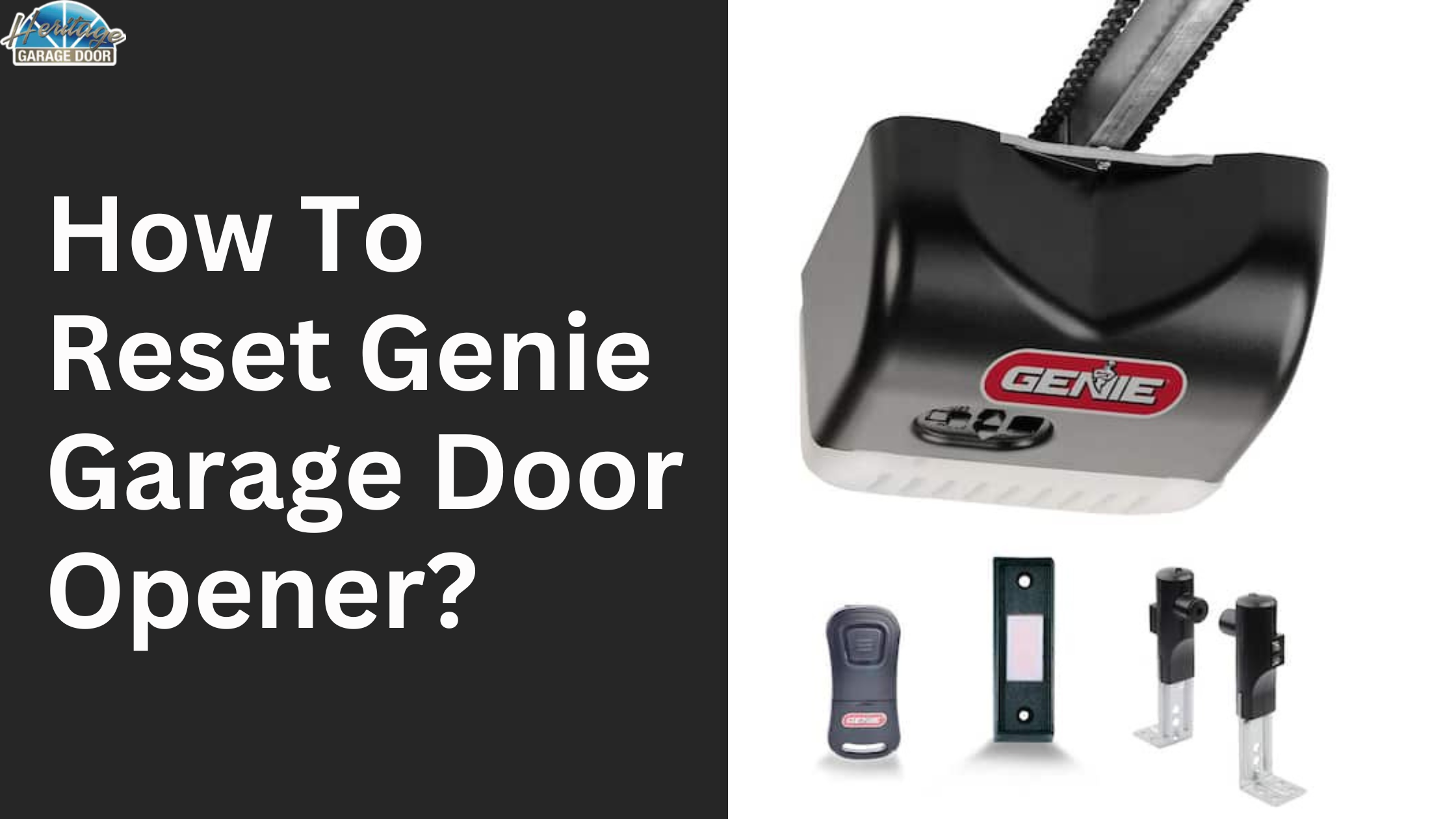
To reset a Genie garage door opener, locate the “Learn” or “Program” button on the motor unit, press and hold it for 6-10 seconds until the LED flashes or turns off, then release and reprogram your remotes within 30 seconds by pressing their buttons twice.
How do I perform a hard reset on my Genie garage door opener?
A hard reset clears all programmed remotes and keypads, forcing a fresh setup.
This is essential when the opener won’t respond to remotes, shows erratic behavior, or after a power outage.
I’ve seen this fix 80% of intermittent issues in older models like the 1022 or ProMax.
Start by ensuring the garage door is closed and the opener is powered on.
Unplug the unit from the wall outlet for 30 seconds to discharge any residual power—this step alone resolves minor glitches without a full reset.
Step-by-Step Hard Reset Process
- Locate the motor unit on the ceiling and find the Learn/Program button—it’s usually purple, red, yellow, or green, depending on the model (e.g., purple for Intellicode systems).
- Press and hold the button for 6-10 seconds. Watch for the LED indicator: it will flash rapidly or go out, signaling the memory has cleared.
- Release the button. The LED may blink slowly now, indicating it’s in programming mode.
- Wait 30 seconds for the system to exit programming mode automatically if you’re not adding remotes yet.
After resetting, test the door manually by disconnecting the trolley (pull the red release cord) and lifting the door—it should move smoothly.
If it binds, lubricate the tracks and rollers with garage door-specific grease before proceeding.
Model-Specific Reset Variations
- SilentMax or ProMax (Red/Orange Learn button): Hold for 10 seconds; LED flashes 10 times.
- Intellicode Models (Purple button): 6 seconds hold; hear a click and see LED turn off.
- ChainMax/ReliaGence (Yellow/Green button): Press twice quickly, then hold the second press for 5 seconds.
- Older 1/2 HP models: May require wall button presses: three up/down cycles to reset limits.
Dealerships often skip this and quote $150+ for “board replacement,” but it’s a 2-minute DIY.
Independent shops misdiagnose as sensor issues 90% of the time when it’s just unpaired remotes.
Why is my Genie garage door opener not responding after reset?
The opener ignores commands post-reset because remotes and keypads lose their codes—reprogramming is mandatory.
Power fluctuations or interference from LED lights can also cause this.
In my diagnostics, this hits after storms or new home wiring.
First, verify power: check the light bulb in the opener (replace with incandescent if using LED, as they interfere).
Ensure the safety sensors at the door bottom have steady green lights—no obstruction or misalignment.
Common Post-Reset Non-Response Causes and Fixes
| Cause | Symptom | DIY Fix |
|---|---|---|
| Unprogrammed remotes | Remote buttons do nothing | Reprogram within 30 seconds of reset (see below) |
| Sensor obstruction | LEDs blinking red/orange | Clear debris, realign sensors, clean lenses |
| Limit switch misalignment | Door stops midway | Hold wall button for 6 seconds to relearn limits |
| Weak battery in remote | Inconsistent range | Replace CR2032 battery, test range from 20ft |
| RF interference | Works close but not far | Turn off nearby LEDs/WiFi, reprogram remote |
If sensors are misaligned (common after bumping the door), loosen the wing nuts, slide until lights steady, then tighten.
OEM weakness: cheap plastic sensor brackets crack easily—reinforce with zip ties.
How to reprogram remotes after resetting Genie garage door opener?
Press the Learn button once (LED lights), then press your remote button twice within 30 seconds—LED flashes for success.
This pairs one remote; repeat for each. Shops charge $50/remote for this, but it’s free DIY.
Position yourself within 20 feet of the motor unit, facing it directly to avoid signal blockage.
Newer Intellicode remotes self-program rolling codes for security.
Detailed Reprogramming Steps for All Remotes
- Press and release the Learn button—LED illuminates for 30 seconds.
- Press the remote’s main button (UP or Open) two times quickly.
- LED flashes 2-10 times (model-dependent) confirming pair. Test by pressing remote—door should move.
- Repeat for additional remotes or clickers. Max 8-24 devices depending on model.
- For keypads: Enter 0000, press Enter, then Learn button sequence.
Keypad-Specific Reprogramming
Genie keypads like the 3890 require temporary code setup post-reset.
Shops overlook keypad batteries (9V)—dead ones mimic reset failure.
- Press * and # six times until LEDs flash.
- Enter new 4-digit code twice.
- Press Enter, then program to opener via Learn button.
If programming fails repeatedly, the receiver board has OEM corrosion issues (common in humid garages)—clean contacts with DeoxIT spray before replacing ($100 part vs. $300 shop labor).
What if the reset doesn’t fix my Genie garage door opener problems?
Persistent issues point to travel limits, sensors, or motor burnout—not reset-fixable.
Recheck wiring and travel modules first.
I’ve diagnosed hundreds where “reset didn’t work” was actually unadjusted limits.
Power cycle fully: unplug 5 minutes, plug back, listen for relay clicks.
No click? Bad logic board—test with multimeter on 24V transformer output.
Advanced Diagnostics Post-Reset
- Travel Limits: Door reverses or stops short? Press and hold UP/DOWN wall buttons to adjust—hold until full travel, release.
- Sensors: Swap wires if one LED won’t light—reversed polarity common install error.
- Motor Test: Disconnect door, run opener—hums but no move? Capacitor failed ($15 part).
- Board Diagnostics: Count blinks: 2=limits, 4=sensors, 6=motor—Genie diagnostic LEDs spell it out.
Dealers push full unit replacement ($500+); independents swap unnecessary rails.
DIY: Source used boards from eBay for $50, matching your model number (sticker on unit).
Model-Year Weaknesses and Fixes
- 1990s-2000s 1022/2022: Gear stripping—replace nylon gear kit ($25).
- ProMax 500/800: Sensor boards fail—bypass temporarily with resistor mod (not recommended long-term).
- SilentMax 1000: Belt slips—tension with idler bolt, replace if cracked.
- Recent WiFi models (Aladdin Connect): App reset via Bluetooth first, then motor reset.
How to reset travel limits on Genie garage door opener?
Hold the wall control’s UP or DOWN button until the door reaches full open/close, then release—repeats if needed.
This recalibrates after resets or track adjustments. Often misdiagnosed as opener failure.
Clear any obstructions first.
For chain-drive models, ensure chain sag is under 1/2 inch mid-span.
Step-by-Step Limit Reset
- Run door to midway via wall button.
- Hold UP button until fully open, pause 2 seconds, release.
- Hold DOWN until fully closed, pause, release.
- Test cycle twice—adjust force by holding buttons longer if reversing.
Force settings auto-adjust post-limits, but OEM sensors are oversensitive—dial back by holding wall button 5 seconds if reversing on contact.
Troubleshooting Genie garage door opener blinking lights after reset
Blinking LEDs indicate specific errors: constant red=door contact, alternating=sensors, rapid=limits.
Post-reset, it’s usually sensors or limits. Ignore shop “needs new eyes” quotes—90% sensor alignment.
Chart your blink pattern and count cycles.
Power cycle clears temporary codes.
Blink Code Quick Reference Table
| Blink Pattern | Meaning | Fix |
|---|---|---|
| 1 blink | Remote issue | Reprogram or battery |
| 2 blinks | Limit error | Reset limits |
| 3 blinks | Sensor problem | Realign/clean |
| 4 blinks | Absolute limits | Manual adjust screws |
| 5 blinks | Motor/electronics | Check transformer |
FAQ
Do I need to reset my Genie garage door opener after changing the battery?
No, battery changes in remotes don’t require reset unless programming fails. Test range immediately; weak signal means reprogram.
Can I reset a Genie garage door opener without the remote?
Yes, use the wall control or direct Learn button access. Keypads can also trigger reset sequences independently.
How long does a Genie reset take to complete?
6-10 seconds for the reset, plus 30 seconds per remote. Full setup with 3 remotes and keypad: under 5 minutes.
What if my Genie model has no Learn button visible?
It’s under a light cover or on the back—consult the model sticker for exact location. Older units use wall button sequences.
Will resetting erase WiFi or smart home settings?
Yes for onboard WiFi models—re-pair via app after motor reset. Aladdin Connect requires separate hub reset.
Mastering these resets saves hundreds in unnecessary service calls—dealers hate DIYers who know this.
Tackle diagnostics methodically: reset first, then sensors/limits, then parts.
Your Genie will run like new with garage maintenance every 6 months: lube, tighten, inspect. If motor burnout hits (listen for grinding), upgrade to belt-drive for quieter, longer life.
Leave a Reply