
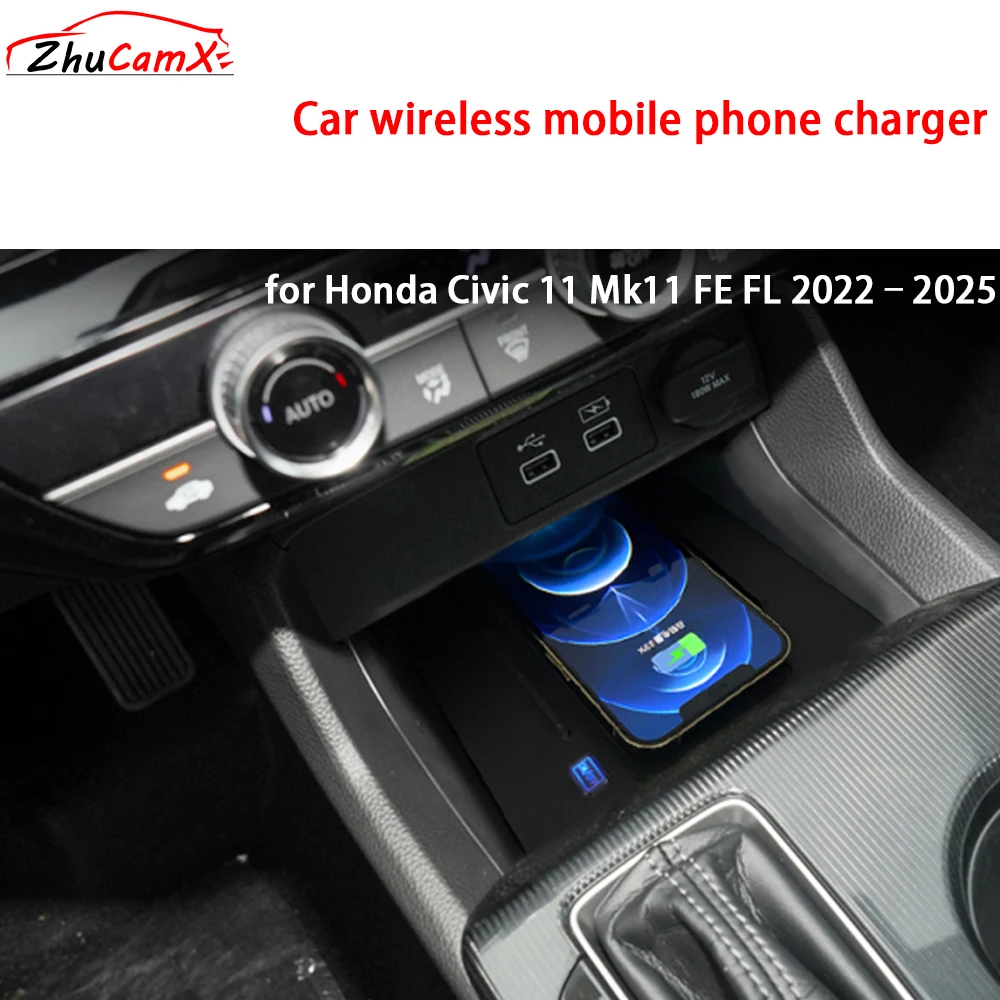
Honda wireless charging not working is most commonly caused by a phone case that is too thick or contains metal/magnetic components, improper phone placement on the charging pad, a blown fuse, or a software glitch in the vehicle’s infotainment system. Start by removing your phone case, repositioning the phone so the center of its back aligns with the center of the pad, and performing a factory reset on your infotainment system. If the issue persists, check fuse #18 (or the designated wireless charger fuse) in the under-dash fuse box.
Why Is My Honda Wireless Charger Not Working?
The most frequent reason a Honda wireless charging pad stops working is phone interference from a thick or metallic case. Beyond that, internal fuse failure, outdated infotainment software, or a faulty charging pad module are the usual suspects. Dealerships often jump to replacing the entire module, but the fix is usually much simpler.
Before you book a service appointment, work through the most common causes yourself. Nine times out of ten, the problem does not require a parts replacement. Understanding the root cause saves you both time and money at the shop.
1. Phone Case Interference
Cases with metal plates, magnets, card pockets thicker than 3mm, or built-in kickstands will block Qi wireless charging. Even some rugged silicone cases create enough distance to prevent a consistent charge. Remove the case entirely and test the charger again.
2. Incorrect Phone Placement
Honda’s charging pad is smaller than many owners expect. The Qi coil in the phone must align closely with the coil embedded in the pad.
Place the phone dead center with the screen facing down. If your phone has its charging coil positioned near the bottom (common on Samsung Galaxy models), slide the phone slightly lower on the pad.
3. Blown Fuse
The wireless charger runs on its own dedicated circuit. A power surge or short can blow the fuse silently.
Locate the interior fuse box (usually under the dashboard on the driver’s side) and inspect the fuse labeled for the wireless charger. Replace it with the same amperage rating. Do not use a higher-rated fuse as a workaround.
4. Infotainment Software Glitch
Honda’s head unit software occasionally disables the wireless charging function after an update or a minor system error. Go to Settings, then System, and perform a factory reset.
This will not erase your paired phones or saved data in most Honda models running HondaLink or the newer Honda CONNECT system. After the reset, restart the vehicle and test again.
5. Overheating Thermal Protection
Wireless charging generates heat. If the ambient temperature is high or the phone is running processor-heavy apps (navigation, streaming, and charging simultaneously), the pad’s thermal sensor may shut the charger off. Let both the phone and pad cool for 10-15 minutes, then try again without running other apps.
Honda Wireless Charging Pad Not Recognizing Phone
If the charging indicator light does not turn on at all when you place your phone on the pad, the issue usually points to either an incompatible phone or a hardware failure in the pad itself.
First confirm your phone supports Qi wireless charging natively. Phones with aftermarket wireless charging receivers plugged into the USB-C port are unreliable in Honda’s pad due to the thin receiver coils losing alignment easily.
Checking Phone Compatibility
- iPhone 8 and newer – All models work natively with Honda wireless charging.
- Samsung Galaxy S10 and newer – Fully compatible. Earlier models may work but with inconsistent coil alignment.
- Google Pixel 5 and newer – Compatible, but Pixel’s coil sits lower; adjust placement on the pad.
- Phones with MagSafe (iPhone 12+) – Work, but the MagSafe magnet ring can interfere if a magnetic case is present.
Testing the Pad Hardware
Use a friend’s or family member’s known-working phone to test the pad. If another phone charges without issue, your phone is the problem, not the vehicle. If no phone works, the pad module itself may have failed or lost its power connection behind the center console.
Honda Wireless Charger Keeps Stopping and Starting
Intermittent charging, where the indicator cycles on and off repeatedly, almost always indicates coil misalignment or a loose internal connection. This is one of the most complained-about behaviors across Honda Accord, CR-V, and Civic owner forums.
Cause: Coil Misalignment
Phones with off-center charging coils (notably Samsung Galaxy S and Note series) struggle on Honda’s pad design. The pad was engineered with Apple and standard Qi positioning in mind. Use a thin phone case (under 2mm) and experiment with slight horizontal and vertical adjustments until the charge stays consistent.
Cause: Loose Wiring Behind the Pad
On some 2019-2023 models, the connector harness behind the wireless charging pad can loosen over time due to vibration. If you are comfortable removing the center console trim (usually held by clips, no special tools needed), check that the wire harness connector is fully seated. A click when you push it back in confirms it was loose.
Cause: Failing Charging Module
If alignment is correct and wiring is secure but charging still cuts out, the module itself is likely failing. This is more common on vehicles with over 50,000 miles.
Dealerships typically charge between $250 and $450 for the part plus labor. An independent shop can often source an OEM or high-quality aftermarket module for less.
Honda Wireless Charging Fuse Location by Model
| Model | Model Years | Fuse Location | Fuse Number | Amperage |
|---|---|---|---|---|
| Honda Accord | 2018-2024 | Under-dash fuse box | #18 | 7.5A |
| Honda CR-V | 2017-2024 | Under-dash fuse box | #18 | 7.5A |
| Honda Civic | 2022-2024 | Under-dash fuse box | #20 | 7.5A |
| Honda HR-V | 2023-2024 | Under-dash fuse box | #18 | 7.5A |
| Honda Pilot | 2023-2024 | Under-dash fuse box | #18 | 10A |
| Honda Passport | 2019-2024 | Under-dash fuse box | #18 | 7.5A |
Always verify the exact fuse number and amperage in your owner’s manual before replacing. Fuse box layouts can vary slightly within the same model year depending on trim level and region.
How to Reset Honda Infotainment to Fix Wireless Charging
A soft reset resolves a surprising number of wireless charging bugs. The process varies slightly depending on your infotainment generation.
For Honda Models with Physical Volume Knob (2018-2021)
- Turn the vehicle on and let the infotainment system fully boot.
- Press and hold the volume/power knob for at least 10 seconds.
- A prompt will appear asking to confirm a system reset. Select Yes.
- Wait for the system to reboot completely (about 60 seconds).
- Place your phone on the charging pad and check if the indicator light activates.
For Honda Models with Touchscreen-Only (2022+)
- Navigate to Settings on the home screen.
- Select System, then scroll to Factory Data Reset.
- Confirm the reset. The screen will go black and restart.
- Once the system is back up, test the wireless charger immediately.
If the charger still does not work after a reset, the issue is hardware-related and needs physical inspection or replacement.
Honda Wireless Charging Not Working After Windshield Replacement
This is a less common but real issue. Some Honda models route the wireless antenna or related wiring near the base of the windshield.
A windshield replacement can pinch or disconnect adjacent wiring if the technician is not careful. If your wireless charging stopped working right after a windshield replacement, have the shop inspect the wiring harness behind the dashboard trim near the windshield base.
Frequently Asked Questions
Does Honda wireless charging work with phone cases?
Yes, but only thin cases (under 3mm) without metal, magnets, or credit card pockets. MagSafe-compatible cases with magnet rings can also cause interference. Test without the case if you experience issues.
Can I add wireless charging to a Honda that did not come with it?
Yes. Aftermarket Qi charging pads that fit into the center console area are available for most Honda models.
They plug into a 12V outlet or USB port and cost between $25 and $60. However, they will not integrate with the factory infotainment display to show charging status.
Why does my Honda wireless charger charge very slowly?
Honda’s built-in wireless charger typically delivers 5W to 7.5W. This is significantly slower than a wired fast charger. If your phone supports 15W wireless charging, the Honda pad will not deliver that speed.
Additionally, thick cases and misalignment further reduce charging speed. Remove the case and center the phone for the fastest possible wireless charge.
Does Honda wireless charging work with the engine off?
In most Honda models, the wireless charger only operates when the vehicle is in Accessory mode (ACC) or the engine is running. It will turn off after a set period when the ignition is off to prevent battery drain. Check your owner’s manual for the exact timeout duration for your model.
Will a Honda dealer replace the wireless charger under warranty?
If your vehicle is within the 3-year/36,000-mile basic warranty and the charging pad has a verified hardware defect, the dealer should replace it at no charge. Be aware that dealers often blame the phone first. Bring a second known-working phone to demonstrate the failure and eliminate phone-related excuses.
Final Steps Before Replacing the Charging Module
Before you spend money on a new module, complete this checklist: remove your phone case, reposition the phone on the pad, check and replace the fuse if needed, reset the infotainment system, and test with a different phone. If all five steps fail, the charging pad module is almost certainly defective.
Order the OEM part using your VIN for an exact match, or have a trusted independent shop install it to avoid dealership markup. Most module replacements take under 30 minutes and require no special programming.
Leave a Reply